With more and more meetings, conferences, and lectures being moved online, high-quality live video creation is essential if you want to deliver unique, professional footage for any occasion. ManyCam is software that promises to help you with this.
Virtual webcam and streaming
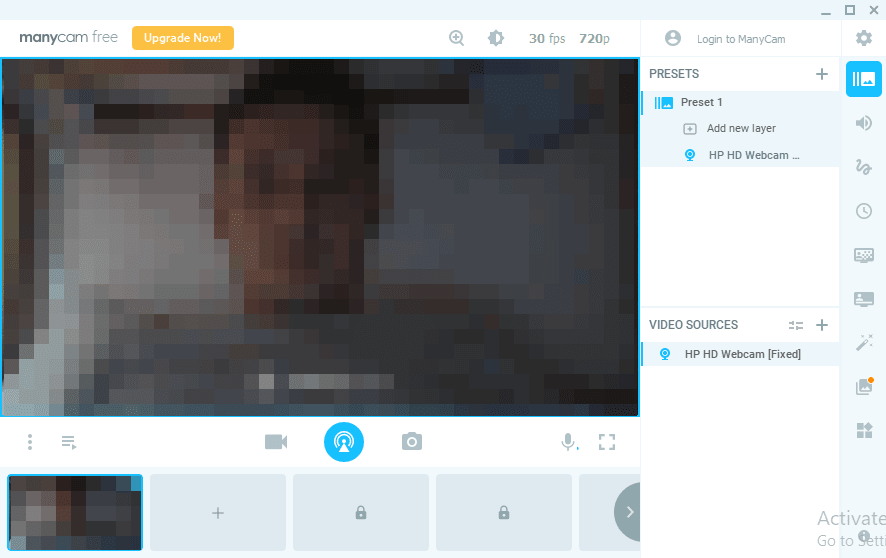
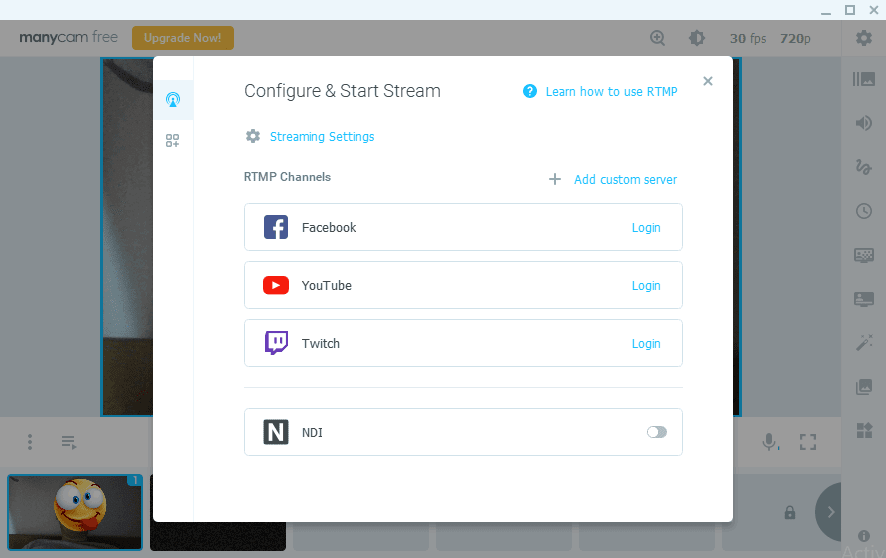
ManyCam is a webcam app that allows users to combine multiple video sources, switch between them with ease, and stack several useful widgets inside a single video to help users deliver a stunning video presentation. You can use ManyCam to record your video footage, stream it using a virtual webcam through other clients, such as Skype or Google Meet, or stream to online streaming platforms such as Facebook, YouTube, or Twitch.Layers and video sources
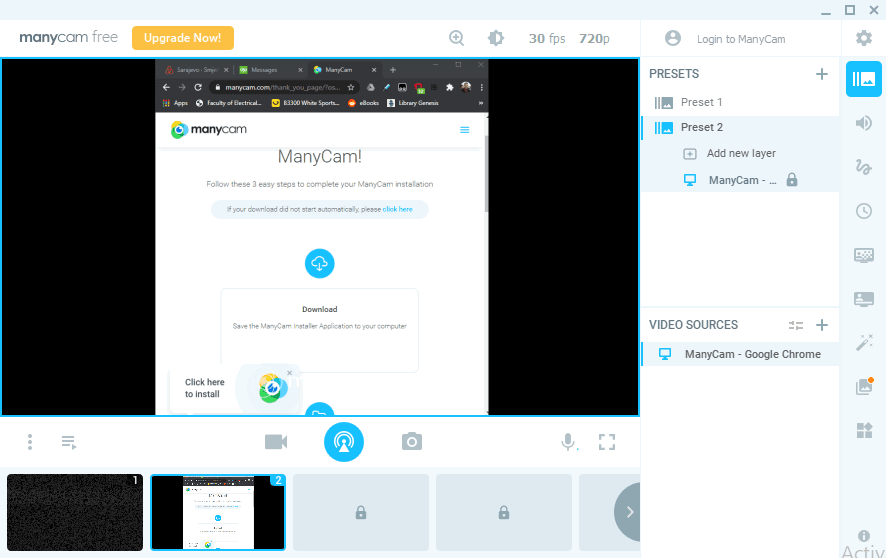
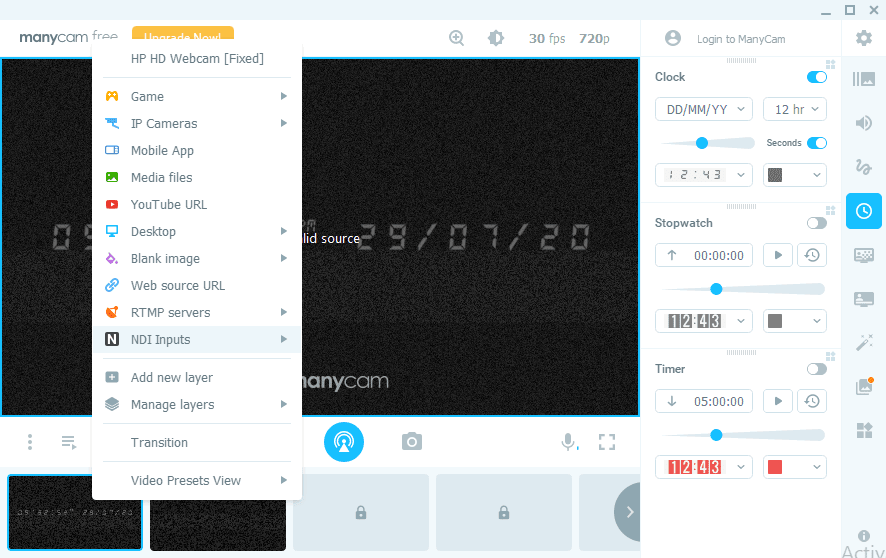
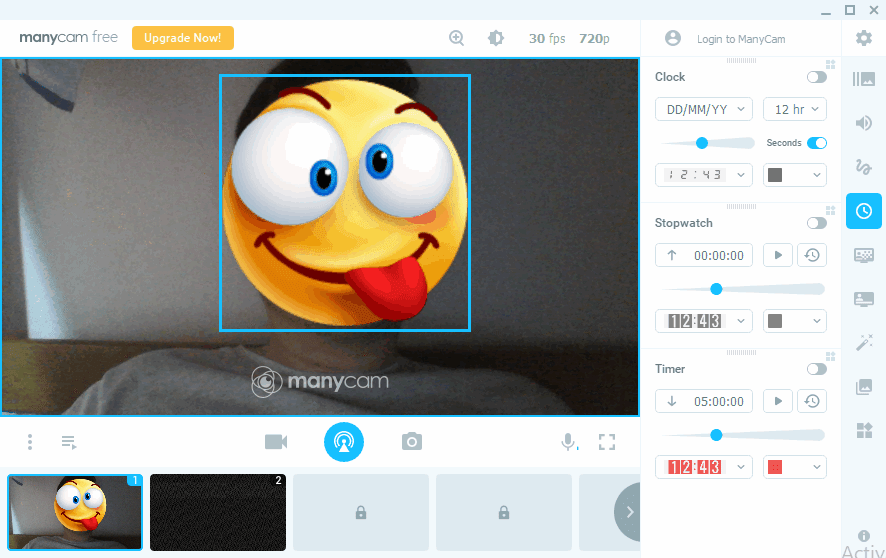
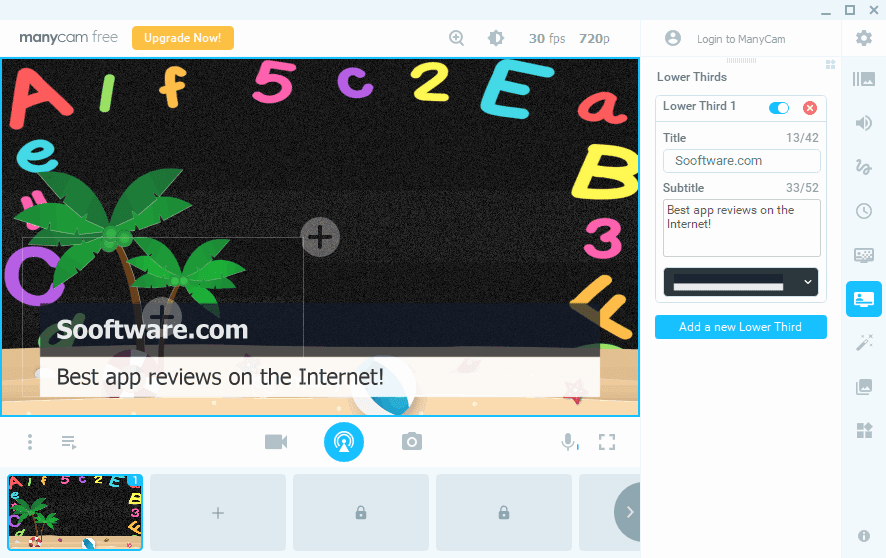
ManyCam has so many features it's difficult to mention all of them. Your video source can come from your webcam, but it can also be an IP camera, a mobile app, a window on your PC, a YouTube video, and many more. You can use multiple panels for each video source and switch between them to give your audience a unique take on video conferencing. Each panel can have several layers that stack on one another. For instance, you can set the video source to your webcam and stack images, emojis, and other interesting effects. Make sure you check them all out! We loved adding a lower-third to our webcam which made things appear very professional.Standing out with premium features
This tool offers so many different ways to make your video presentations stand out. Combining multiple video sources with layer stacking, picture-in-picture setups, and various effects, masks, and filters you can try out has never been easier and it has never looked so good. If you decide to step up your game and purchase an annual subscription (the final cost depends on the tier chosen or active promotions), you will find more interesting features. For instance, you can change your background with plenty of interesting ones and appear to call in from exotic locations. Also, purchasing a plan enables you to get rid of the "ManyCam" watermark from your webcam.Technical settings and performance
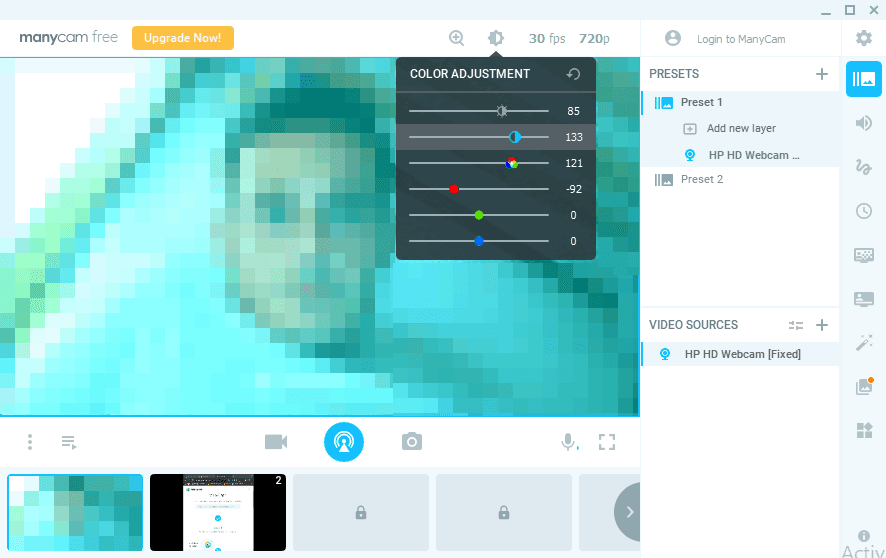
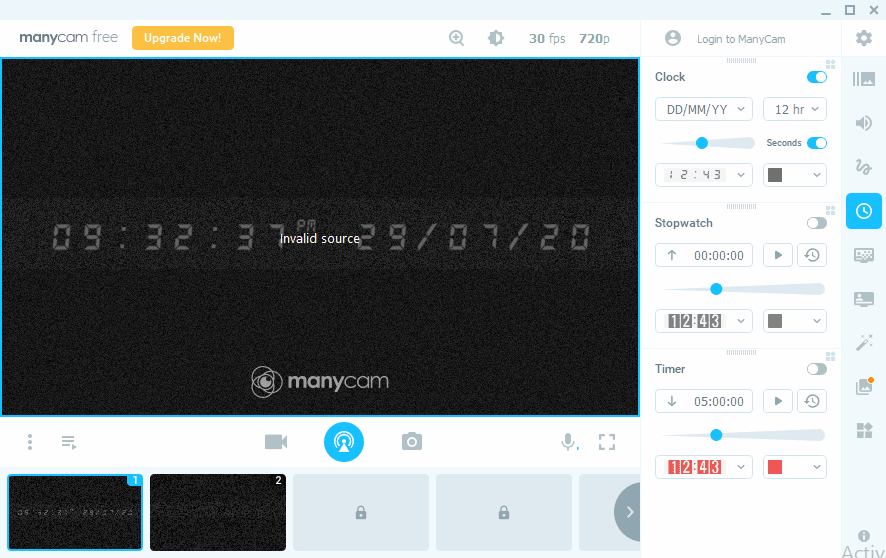
ManyCam offers various technical settings like changing the framerate of the video, video quality, zoom level, and other color adjustments. It offers great integration with multiple streaming platforms and it can even use hardware acceleration. You can easily take snapshots and record video from within the app. More features are unlocked once you purchase a plan, so if you really want to take your video conferencing to another level, we recommend you do it!